
How to have your own Genki store
- Opening a Genki Store for the First Time
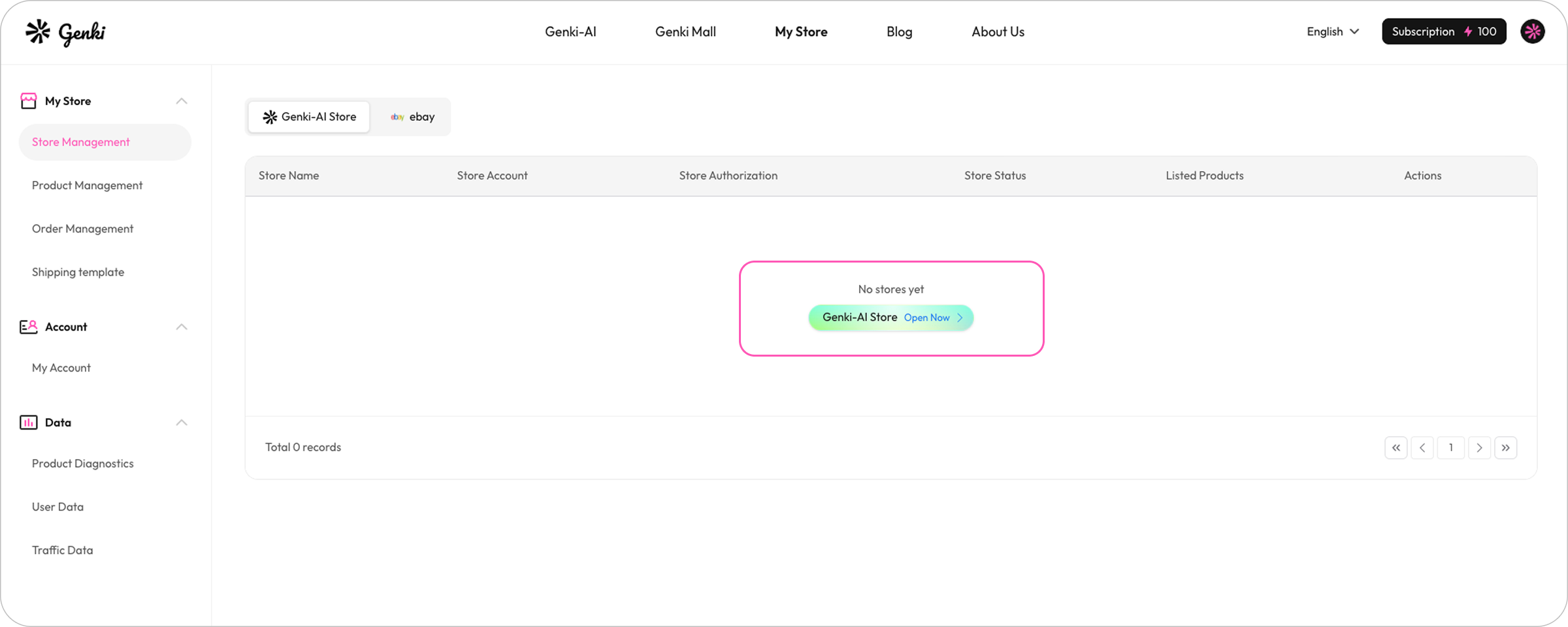
Step 1: Click "My Store" --> "Genki AI Self-Built Website" to open a store.
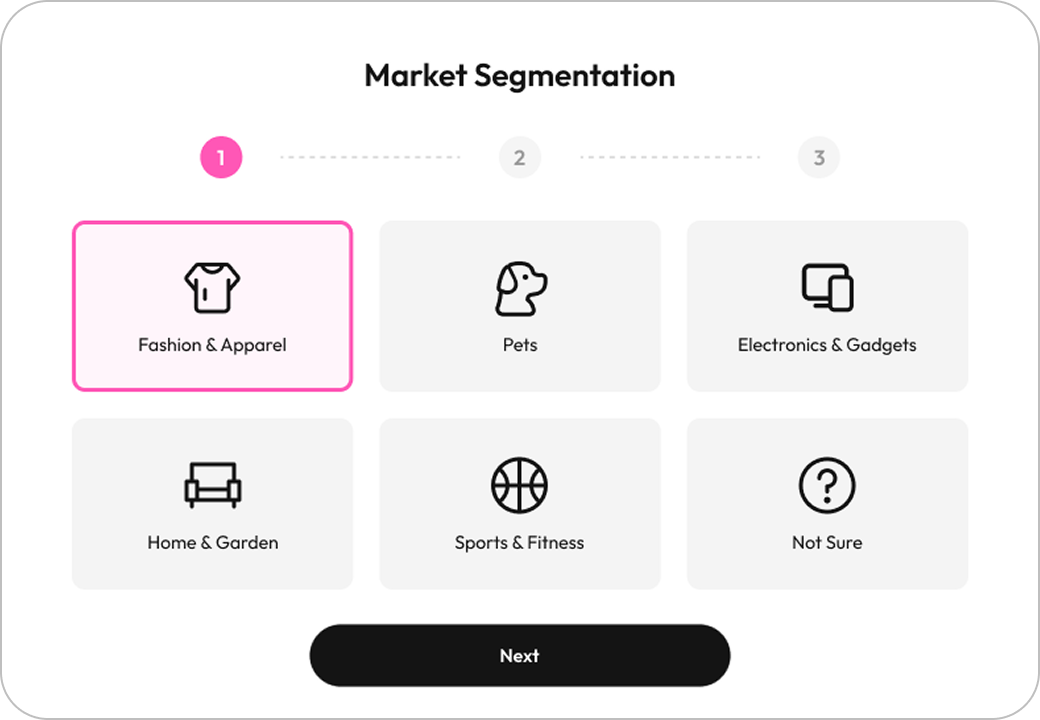
Step 2: Select Your Store's Industry (Market Segmentation)
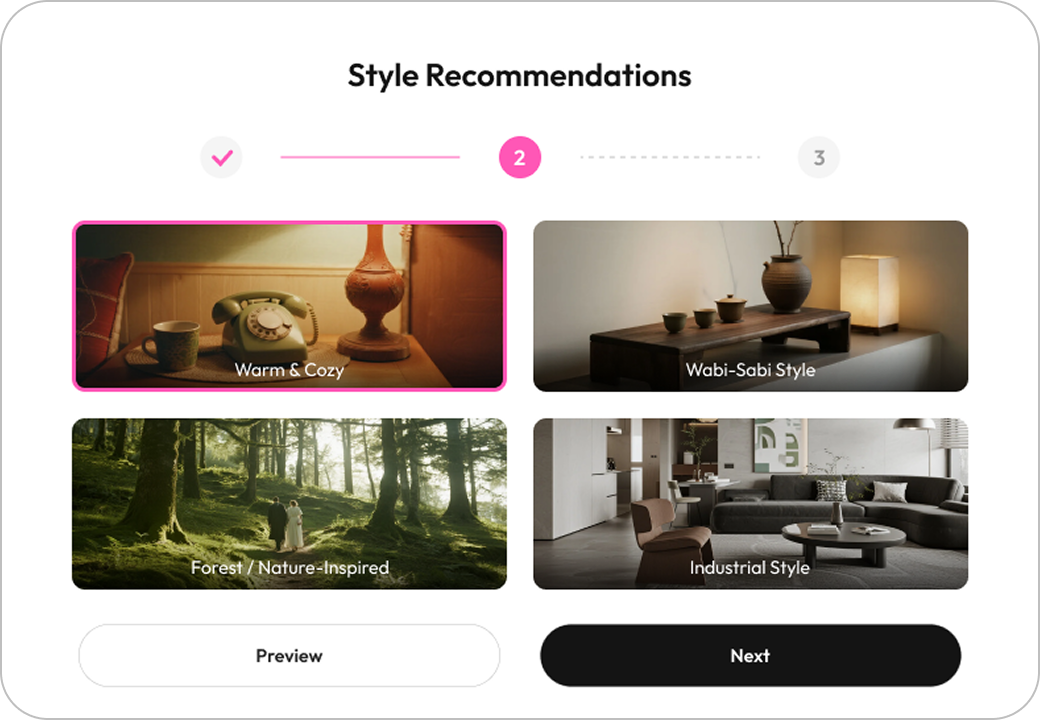
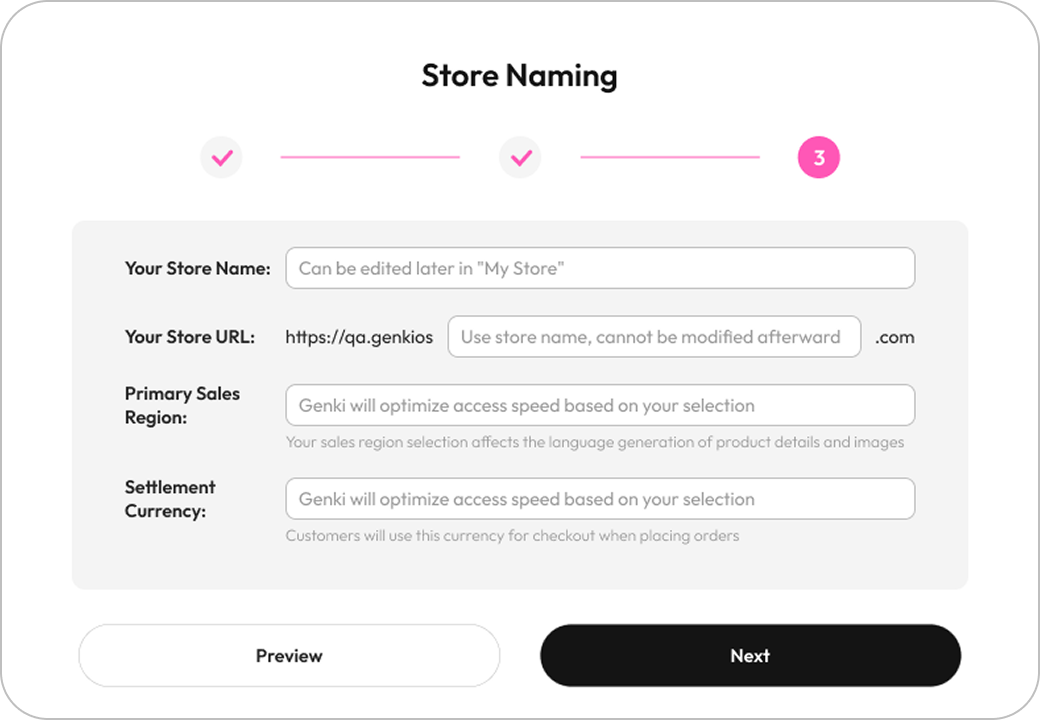
In the pop-up guide window, select your store's industry and style recommendations, then name your store.
Step 3: Enter Store Decoration
After website creation, you will be automatically redirected to the visual decoration editor (this is a non-mandatory process that can be disabled).
- Click on text, images, buttons, and other elements on the page to directly modify content and styles.
- Clicking on "Replace Product" will allow you to replace the product. If no product is specified, you will proceed to the product design stage.
- Genki Store Decoration
Click "My Stores" -- View My Stores List:
The list will display information such as store name, store account, authorization status, store status, and number of products. It also supports the following operations:
- View Store:Directly access your independent website's front-end page
- Decorate Store:Re-enter the editor to modify store content/style