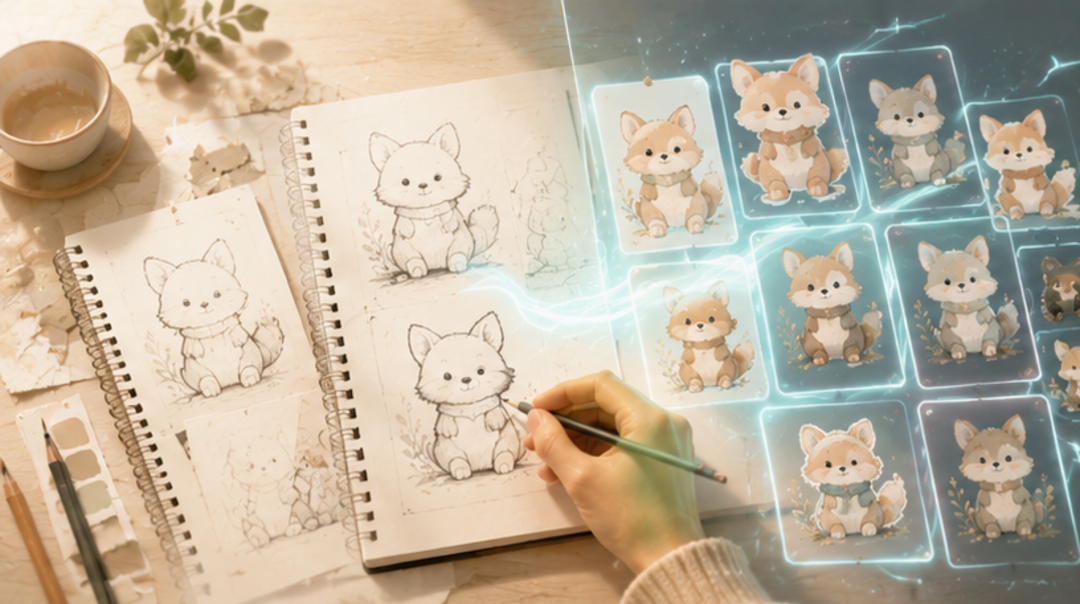
Introduction: AI Design Tools Are Changing How Creators Work
For years, traditional design meant starting with a blank canvas, developing concepts manually, and refining every detail through multiple rounds of work. It offered control, but it could also be slow and demanding.
Today, AI design tools are changing that process. Creators can explore ideas, generate variations, and develop visual assets in a fraction of the time.
But does faster mean better?
The real question behind AI vs Traditional Design is not which one should replace the other. It is how creators can combine human creativity with smarter tools to build a more efficient creative workflow.
Why Traditional Design Still Matters in the Age of AI
Traditional design still has something AI cannot easily reproduce: creative judgment.
A designer understands why a specific color feels right for a brand, why one composition communicates better than another, and how a visual style connects with an audience. These decisions often come from experience, cultural understanding, and personal taste.
This is especially important for creators building recognizable identities, original characters, illustrations, or long-term brands.
Traditional design therefore remains valuable when originality, precision, and creative direction matter most. AI design tools can generate possibilities, but creators still need to decide which possibilities are worth pursuing.
The future is not necessarily about choosing AI over traditional design. It is about knowing when each approach works best.
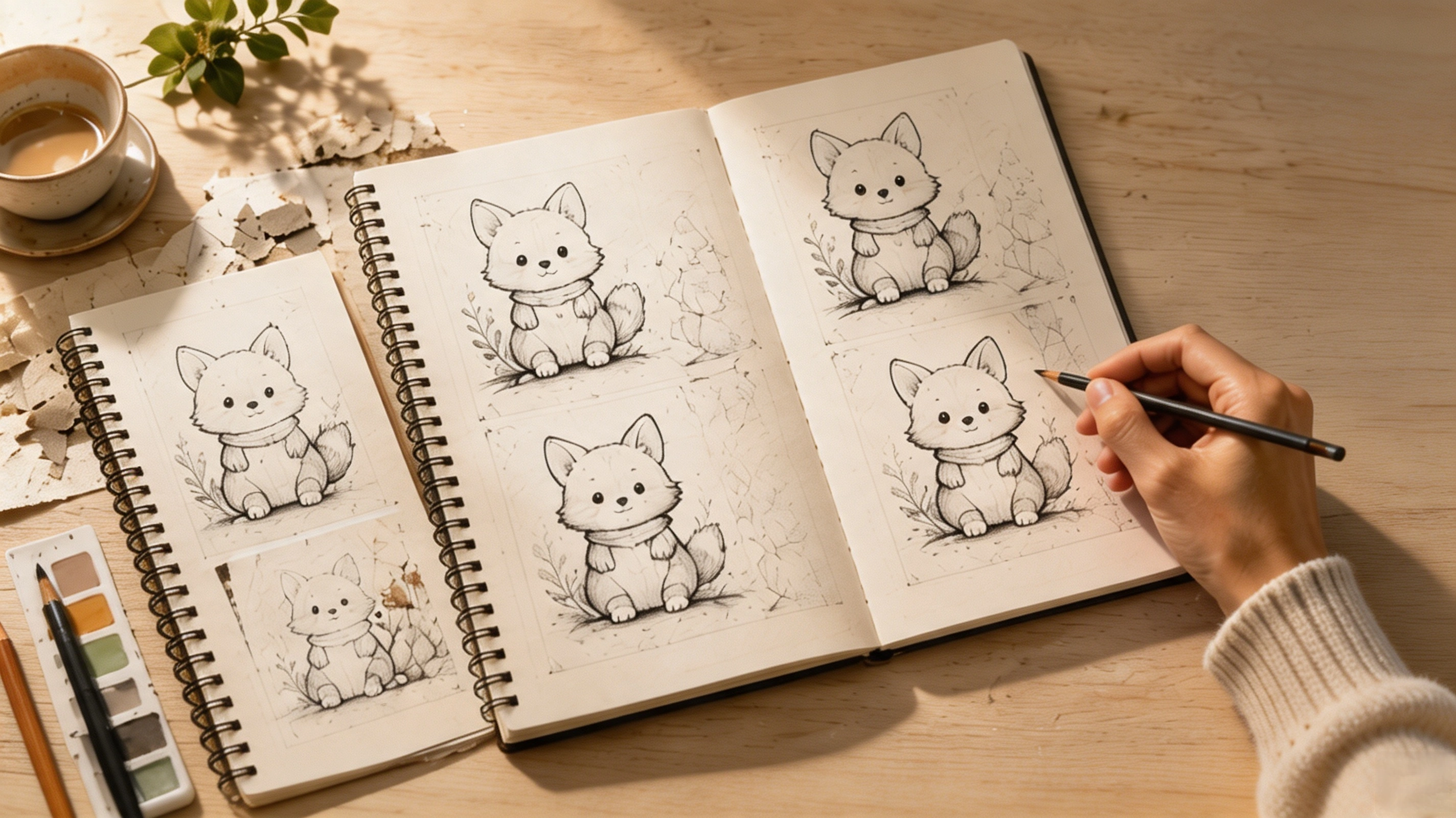
Where AI Design Tools Make Creation Faster
The biggest advantage of AI design tools is efficiency.
Instead of spending hours developing the first few concepts, creators can quickly explore different visual directions, generate variations, and test ideas before committing to a final design.
This can be particularly useful for content creators who need to produce more than one finished image. A single creative idea may need to become social media content, promotional visuals, product mockups, or different versions for different audiences.
The best AI design tools are not simply the ones that generate impressive images. They are the ones that fit naturally into an existing workflow and reduce repetitive work without removing creative control.
That distinction matters. AI should help creators spend less time producing variations and more time deciding what deserves to be created.
Building an AI Creative Workflow: Human Creativity + Smart Tools
The most effective approach to AI vs Traditional Design may be neither.
Instead, creators can build an AI creative workflow that combines both.
Step 1: Start with the creative idea.
Define the concept, audience, visual identity, and purpose before using AI. Your creative direction should come from you.
Step 2: Use AI for exploration.
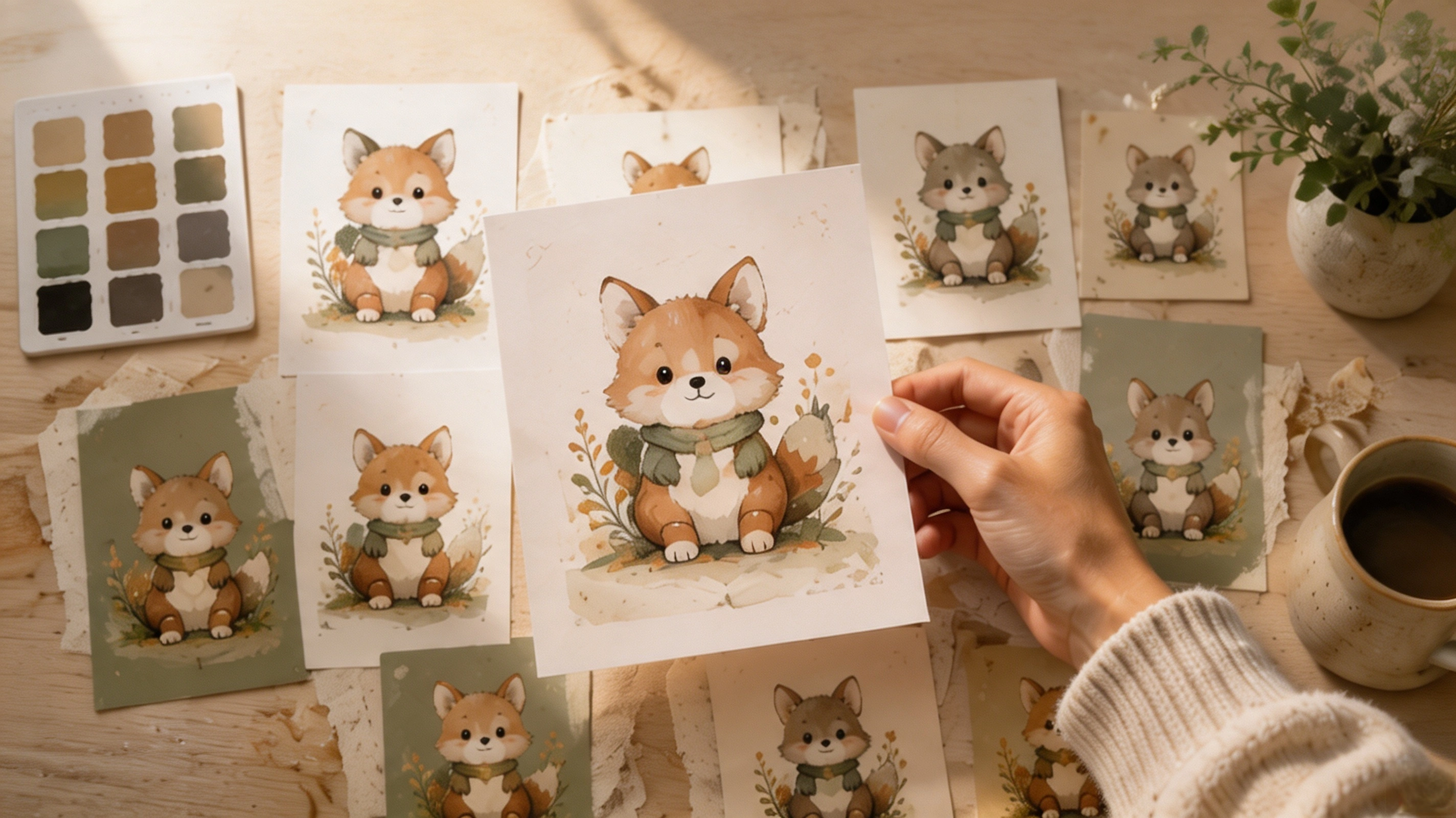
Let AI help generate variations, test compositions, develop visual concepts, or turn an early idea into multiple possibilities.
Step 3: Refine with human judgment.
Select the strongest result and adjust the details. Typography, composition, brand consistency, and emotional impact still require a critical human eye.
This creates a simple division of labor: humans provide direction, while technology accelerates execution.
Platforms such as Genki can fit into this broader workflow by helping creators move from visual ideas toward actual products rather than stopping at the design stage.
Which Approach Works Better for Creators?
There is no universal winner in AI vs Traditional Design. The better approach depends on the task.
| Creative Need | Traditional Design | AI-Assisted Workflow |
|---|
| Original creative direction | Excellent | Supporting role |
| Rapid idea generation | Slower | Excellent |
| Precise visual control | Excellent | Improving |
| Repetitive production | Time-consuming | Efficient |
| Testing multiple concepts | Slower | Excellent |
| Brand judgment | Essential | Requires human input |
For a unique logo or carefully developed illustration, traditional design may still be the better starting point.
For producing multiple product concepts or exploring dozens of visual directions, AI can dramatically reduce production time.
For many creators, the strongest solution is simply to combine the two.
From Creative Assets to Products
There is another important shift happening in the creator economy.
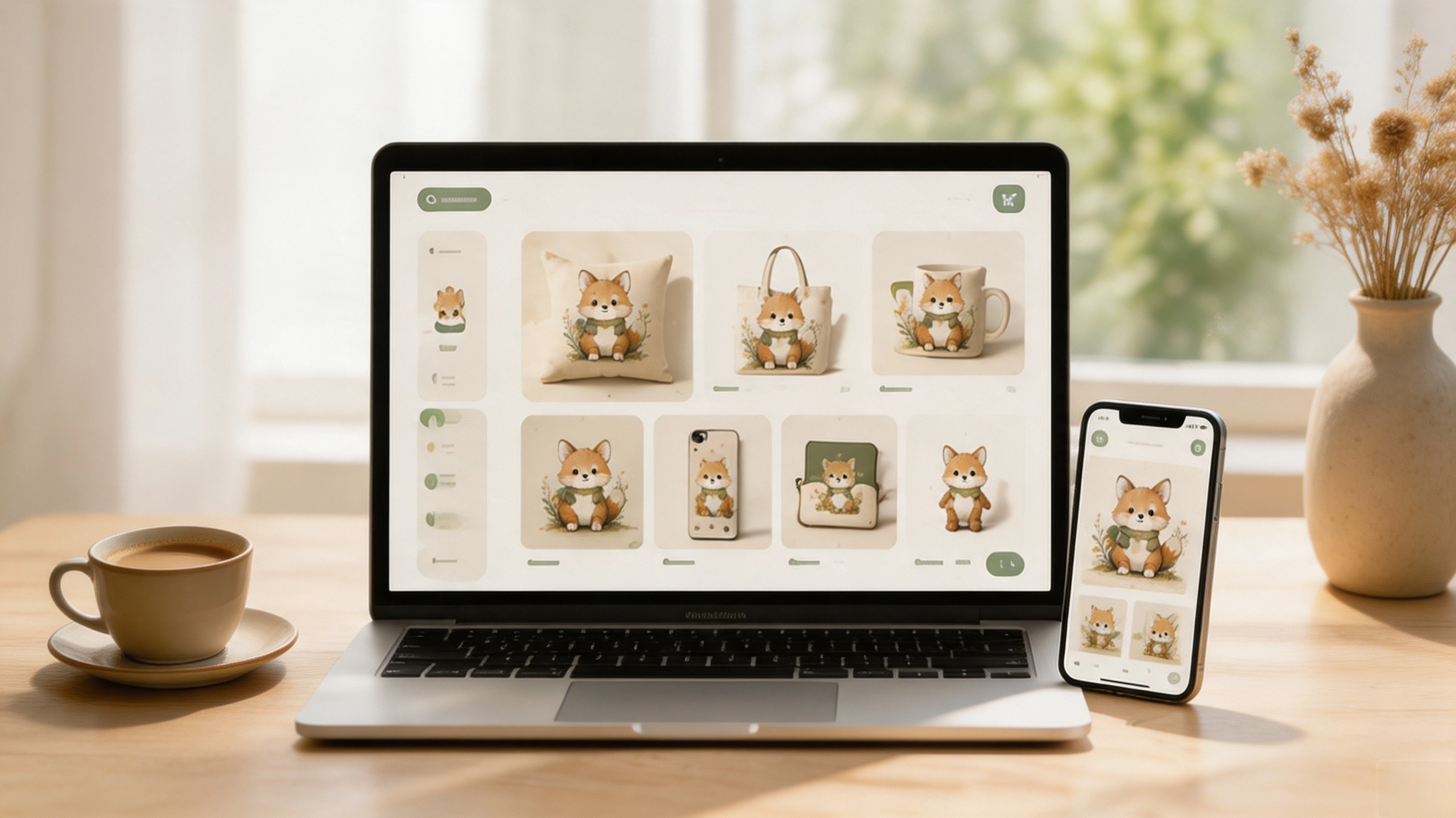
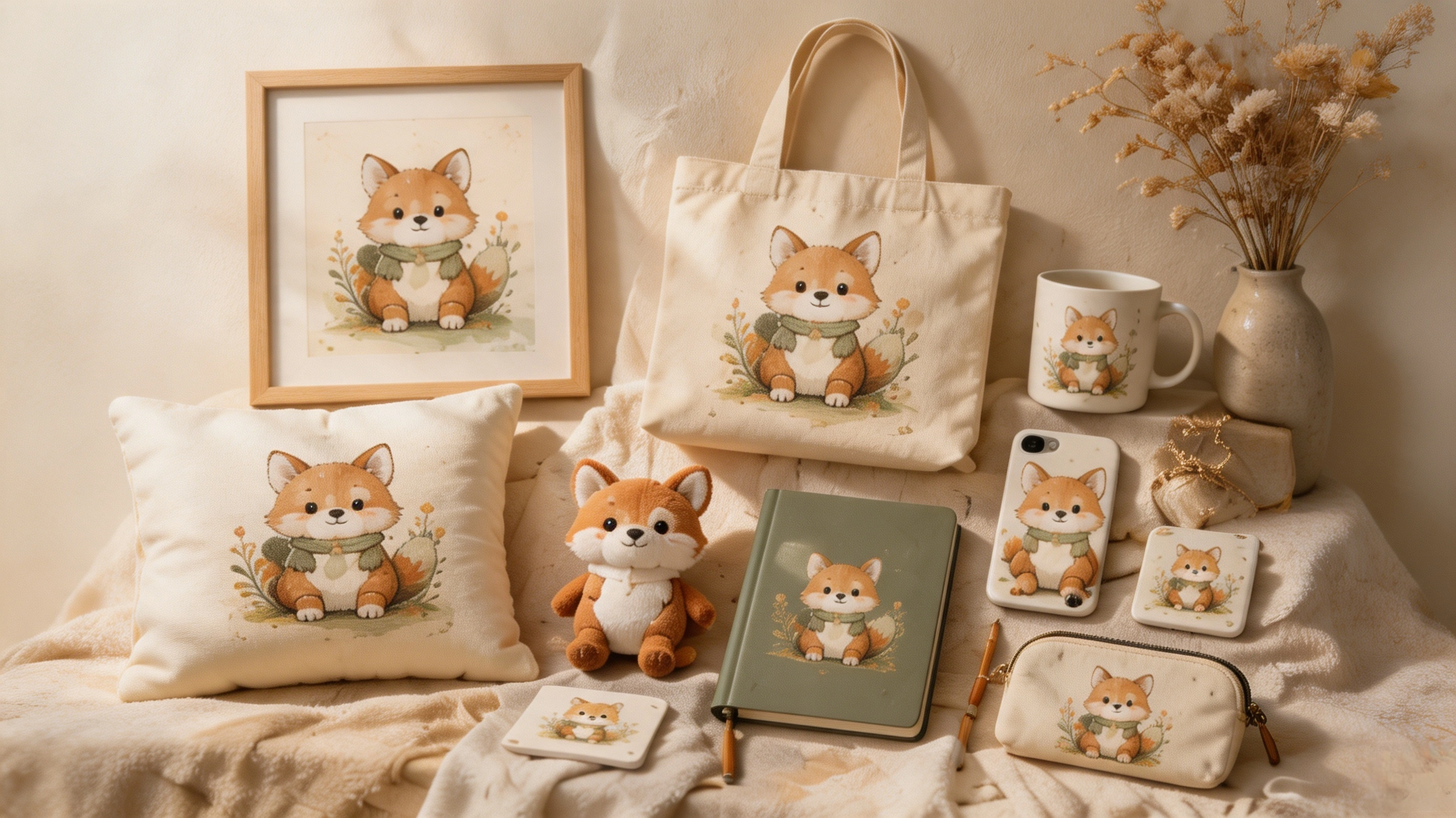
Creating a visual is no longer necessarily the final step. A character can become apparel. An illustration can become a poster or accessory. A digital concept can become an entire product collection.
This is where Genki becomes relevant to the modern creator workflow.
Rather than focusing only on visual generation, Genki is designed to help users turn creative ideas into sellable products. According to its official platform information, creators can upload images or enter creative descriptions, generate designs, apply them to product templates, create product information, and publish products to connected stores.
That makes the workflow broader than simply choosing between traditional design and AI. The process can become:
Idea → Design → Product → Store → Sales → Optimization
For creators, this changes the value of a design. It is no longer only an image to post. It can become an asset that supports a product, a community, or even a small business.
Frequently Asked Questions About AI Design Tools
Q1: Will AI replace graphic designers?
AI is likely to automate parts of the design process, but that does not mean it can replace creative judgment entirely. Designers still provide direction, taste, brand understanding, and final decision-making.
Q2:Are AI design tools better than traditional design?
Neither is always better. Traditional design provides greater hands-on control, while AI offers speed and experimentation. The strongest workflow often combines both.
Q3: What are the best AI design tools for creators?
The best AI design tools depend on what you need to accomplish. Look for tools that solve a specific bottleneck in your workflow rather than simply choosing the tool with the most features.
Q4: Can creators turn AI-generated designs into products?
Yes, but creators should always review the relevant platform terms and intellectual-property requirements before commercial use. Genki also advises users to make sure generated designs do not infringe third-party copyrights or trademarks.
Conclusion: Design Smarter, Not Less Creatively
The debate between AI design tools and traditional design does not need a winner.
Traditional design gives creators originality, control, and creative judgment. AI brings speed, experimentation, and production efficiency. Used together, they can create a more flexible AI creative workflow without taking creativity away from the creator.
The goal is not to let technology make every creative decision.
It is to remove repetitive work so creators can spend more time developing ideas, building products, and growing their brands.
Genki takes this idea one step further by connecting creative production with product creation and commerce, helping creators move from an idea to something they can actually sell.
Combine your creativity with smarter tools. Explore what Genki can help you build.